Have you ever needed to degoogle part of your life? I have. I tried exporting my Google Photos to move them elsewhere and… oh boi.
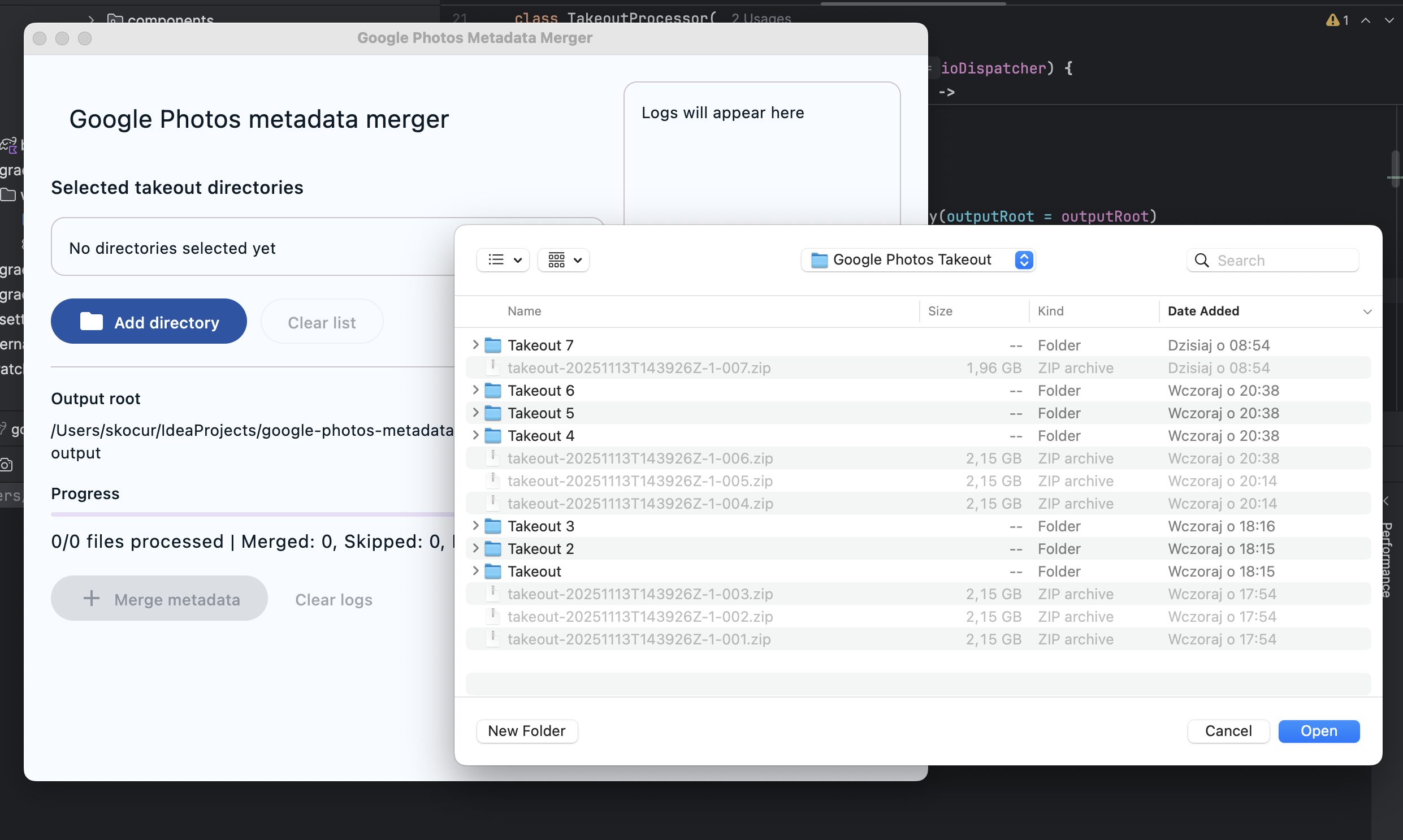
Google Photos Takeout is great until you actually try to use the export. You get split folders like Takeout, Takeout 2, Takeout 3…, a JSON file per asset and images/videos that lost their original timestamps. Albums are there, but the metadata that makes your library useful is fragmented.
I got tired of stitching that back together by hand, so I built a tiny desktop app that does it for me.
The Problem Link to heading
- Each photo/video comes with
*.json/*.supplemental-metadata.jsonnext to it. - JSON holds the truth: taken date, creation date, sometimes GPS.
- Exports are split across
Takeout Nfolders, so a photo can live in one split and its JSON in another. - On disk, copied files show “today” as Created/Modified time; your file manager and many apps sort them wrong.
A tiny rant about Takeout Link to heading
Look, I’m grateful Takeout exists — truly. Let’s ignore, just for a second, that the GDPR already requires companies to hand over a user’s personal data upon request. Splitting one library into random “Takeout 6” and “Takeout 7”, parking the most important data inside separate JSON files, and resetting file timestamps feels like a scavenger hunt designed by an algorithm on a Monday. Backups should be boring. This one is a sitcom. Dear Google: exporting memories shouldn’t require a PhD in archaeology.
What the app does Link to heading
- Merges JSON back into media:
- JPEG/TIFF: writes EXIF (DateTimeOriginal, Digitized, and GPS if present) and fixes file system dates.
- HEIC/PNG/MP4 (and other non-EXIF formats): preserves file system Created/Modified dates using JSON, so sorting works again.
- Handles multiple Takeout folders at once — no reordering or manual merging. It indexes all inputs and matches across splits.
- Preserves album structure and “Photos from …” folders in a single canonical output tree.
- Duplicates (same asset in multiple albums) are allowed and counted in the summary.
- Source is immutable — nothing inside the Takeout folders is modified.
How it works (in short) Link to heading
- Build an in‑memory catalog of every non‑JSON file across the selected directories.
- For every JSON we parse the metadata (title, times, optional geo). Edge cases like
titlebeing an array are normalized. - Resolve the media globally (even when JSON and media are in different
Takeout Nroots). - Copy with
COPY_ATTRIBUTESto keep original file attributes, then:- Apply JSON timestamps (fallback to source timestamps if JSON lacks time).
- For JPEG/TIFF, write EXIF and re‑apply timestamps after the lossless rewrite.
- Compute the output path from the JSON’s folder, but normalize away
Takeout Nfragments so everything lands under one “Takeout”.
Supported formats Link to heading
- EXIF write:
jpg,jpeg,tif,tiff(via Apache Commons Imaging) - Timestamp preservation (file system): all media, including
heic,png,mp4
If you want true metadata injection for HEIC/MP4, that needs an additional tool (e.g., ExifTool). For most workflows, correct Created/Modified dates are enough.
Quick start Link to heading
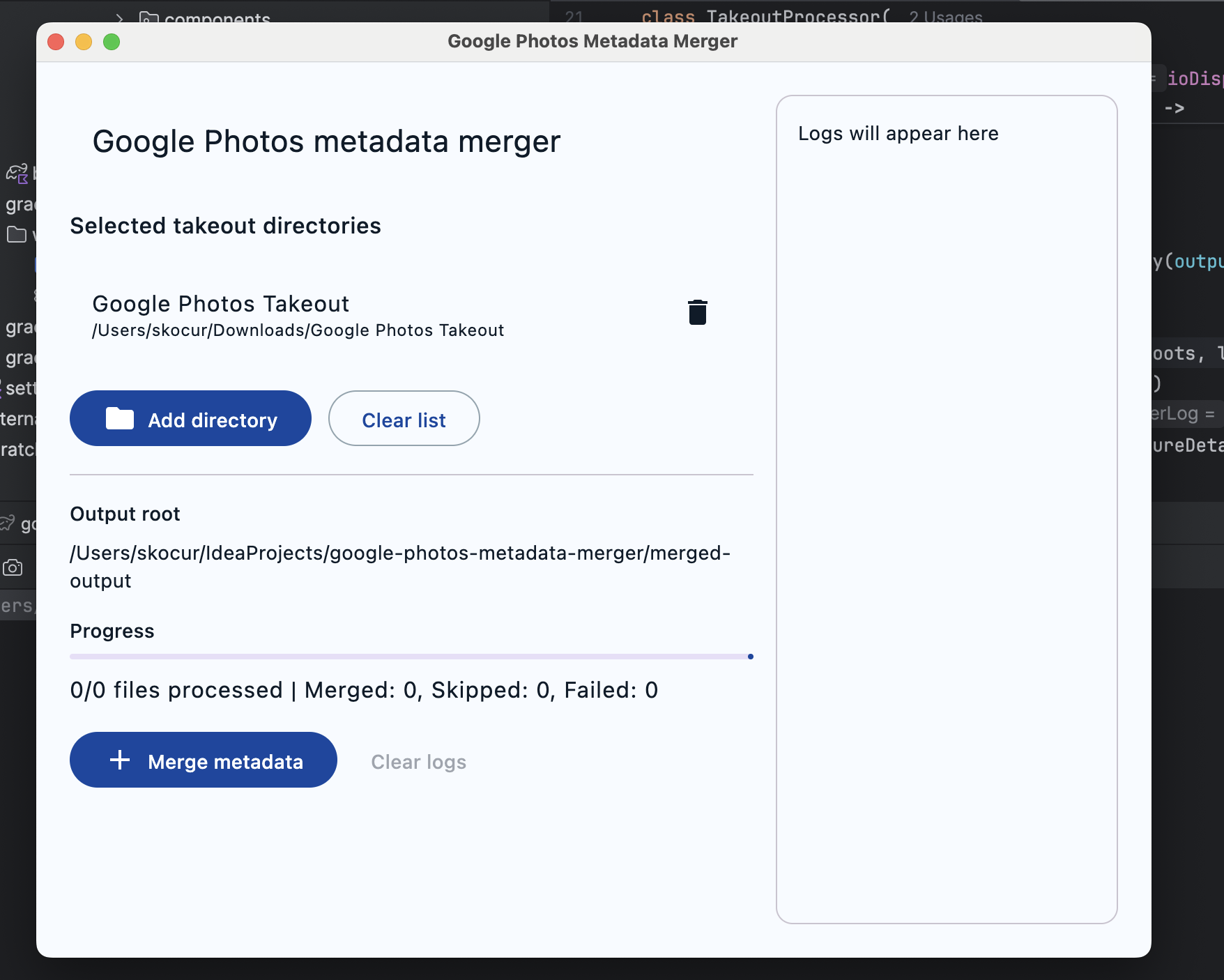
- Select your Google Photos Takeout directories (you can pick multiple).
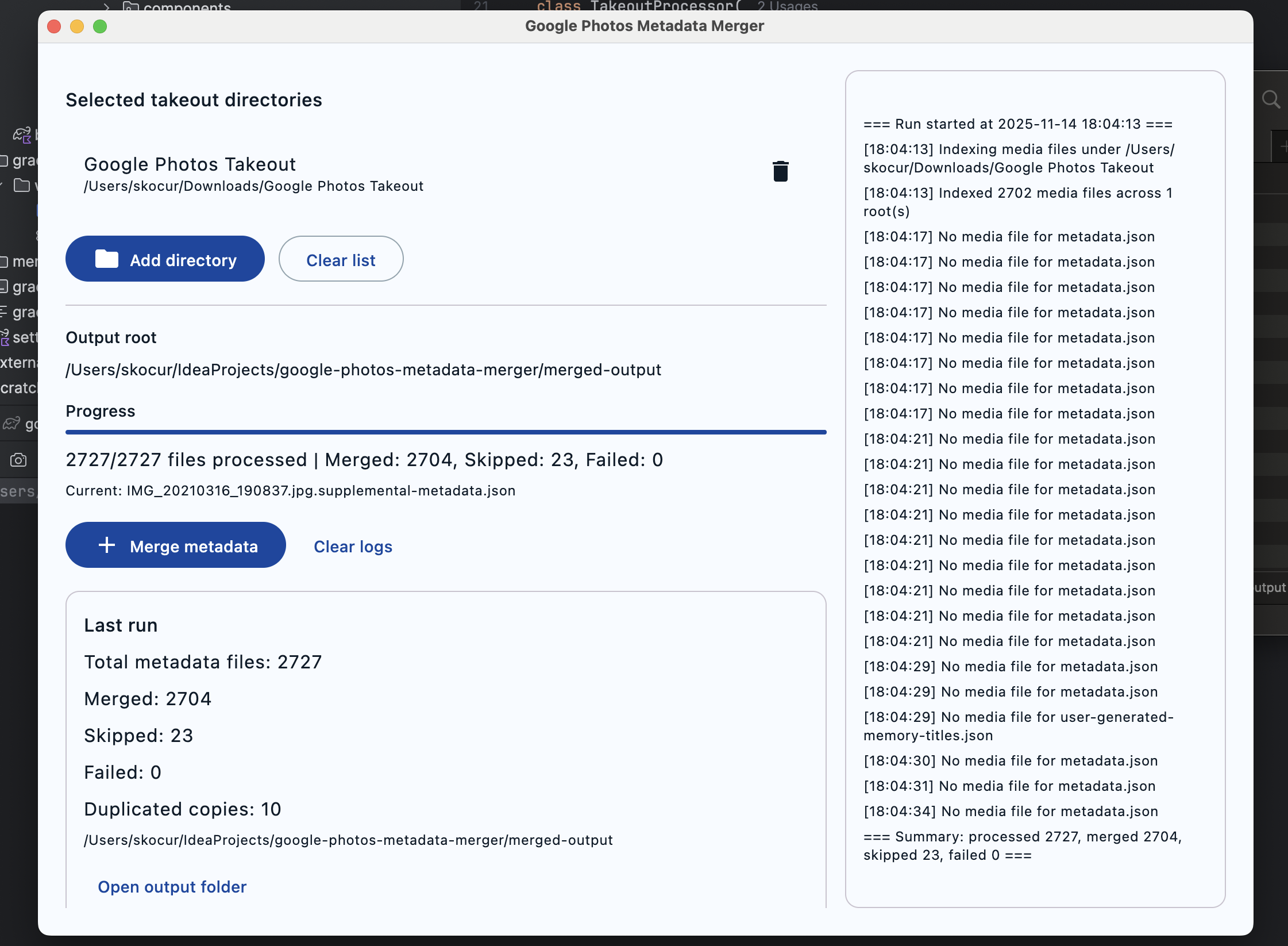
- Click “Merge metadata”.
- The app writes to
merged-output/Google Photos Takeout/...next to the app. - Check the summary: total processed, merged, unchanged, failed, and duplicated copies.
Why not just one big folder merge? Link to heading
Because the export is split arbitrarily. Instead of asking you to merge first, the app matches across all inputs in memory and writes a single clean output. Albums remain intact and the “Photos from …” structure is preserved.
Safety first Link to heading
- Read‑only on sources — it never modifies your Takeout folders.
- Output is deterministic and idempotent — re‑runs won’t harm anything.
Tech bits Link to heading
- Kotlin + Compose Desktop (Material 3)
- Apache Commons Imaging for EXIF (JPEG/TIFF)
- Coroutines for responsive UI + IO
FAQ Link to heading
- “I still see some items as ‘unchanged’” — those were copied as‑is because their JSON lacked timestamps or had no GPS; the files still land in the right place with proper Created/Modified dates (taken from the source file).
- “Why duplicates?” — albums intentionally duplicate assets; the app respects that and counts how many duplicates it created so you stay aware.
- “HEIC / MP4 EXIF?” — Not written by this app; timestamps are correct though. Add a post‑step with ExifTool if you need embedded metadata inside those formats.
If Google ever stops exporting metadata in JSON, we’re all in trouble. Until then, this should make your Takeout actually usable.